6 Tool Plugins
Editor-only utilities that never ship in packaged builds. Each one extends the Unreal Editor with PGX-specific capabilities.
PGXDocs
In-editor documentation with md4c native Slate renderer. Browse all system docs without leaving the editor.
PGXSimHarness
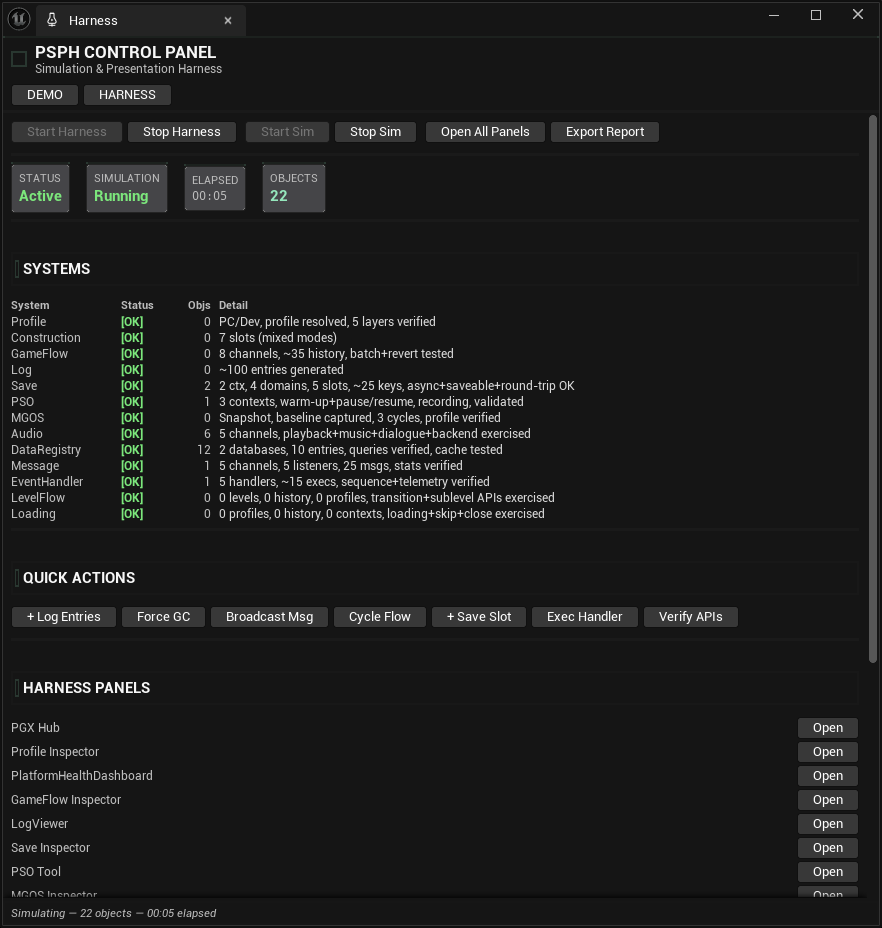
Full-stack simulation harness. Demo mode populates Config DataAssets. Deep injection across subsystems.
PGXScaffold
Automated project scaffolding. Built-in templates, source control integration, rollback support, JSON audit trail.
PGXTutorials
In-editor guided tutorials: steps, panel navigation, actions on real assets. English and Spanish.
PGXEditorTools
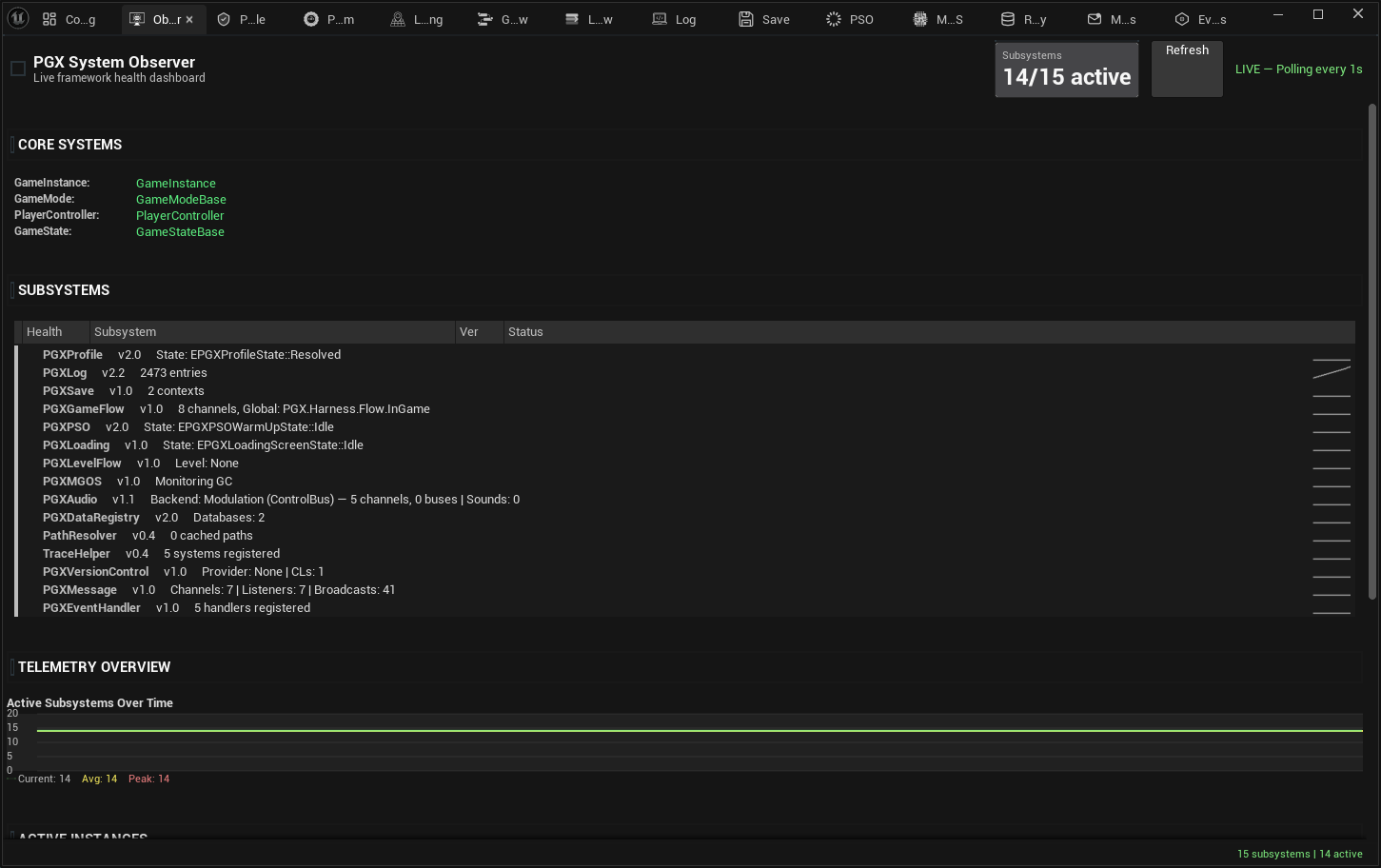
Central hub dashboard, system observer with sparklines, test dashboard, editor settings, and notification system.
PGXVersionControl
Source control utilities integrated into the editor workflow. Git operations without leaving UE.
Hub Dashboard
All 6 tool plugins and PGX systems, one dashboard. Version, health status, KPI chips — every metric surfaced without opening a single file. One click opens any inspector.
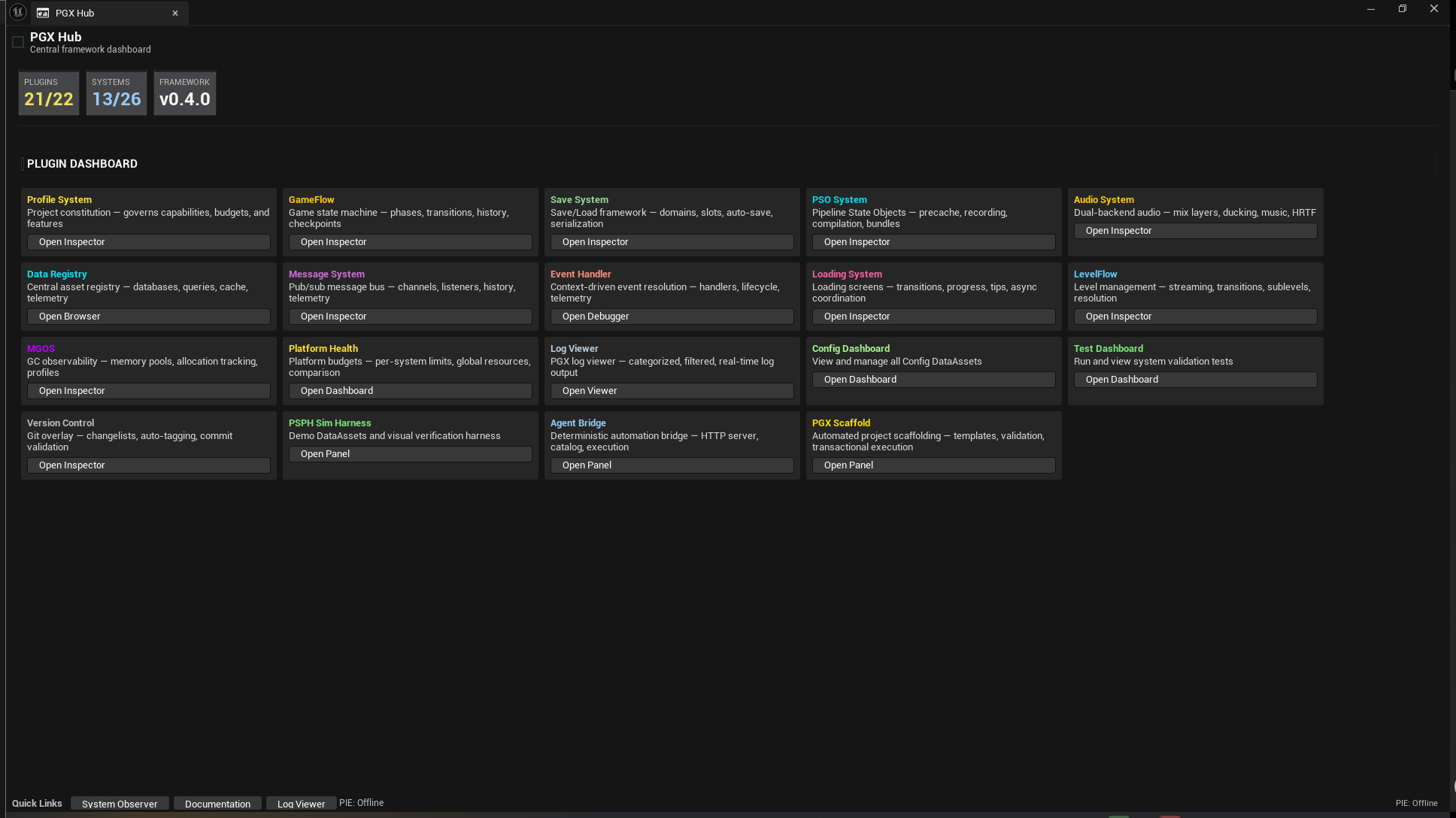
Hub screenshot from an internal development build. Counters predate the v0.1.1 snapshot.
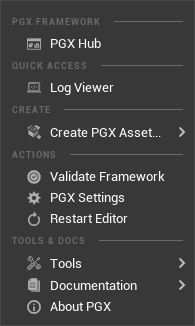
Toolbar — Everything, One Click
Hub, Log Viewer, Create Asset, Validate, Settings, and the full Tools submenu. Every PGX action reachable from a single dropdown in the main toolbar. No menus to memorize.